

Ticket exports
Export findings to provider-native tickets, webhooks or portable fallback files safely.
Developers, project managers and agencies
Feature availability
Product, package, provider and deployment boundaries for this page.
- Available from
- Current documentation
- Providers
- jiragithubgitlabbitbuckettrellolinearazure-devopsyoutrackasanaclickupwebhook
- Deployment modes
- cloudself-hosted
Product screenshots
Current customer-safe screenshots are generated from the application so examples do not drift from the product.
Ticket exports overview
Use this section when a customer needs to send a report issue or generated fix task into an external tracker from `/reports/{report}/ticket-exports`. 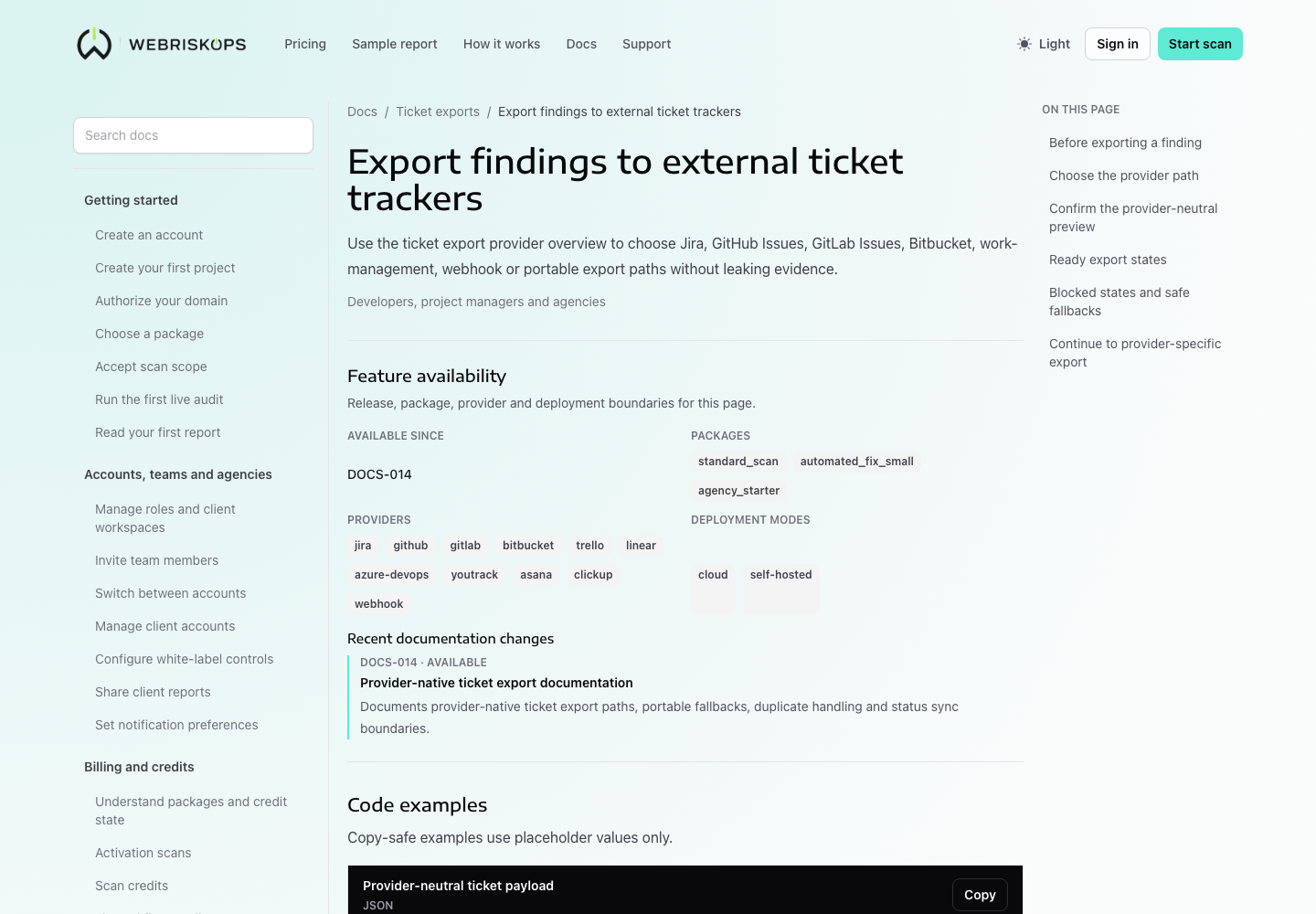
- Export findings to external ticket trackers
- Jira export
- GitHub Issues export
- GitLab Issues export
- Bitbucket export
- Work management export
- Webhook export
- Portable export fallbacks
- Status sync and duplicate handling
Choose the next export guide
Start with the provider that matches the active target shown in the product.
- Use provider-native guides for Jira, GitHub Issues, GitLab Issues, Bitbucket Cloud, Trello, Linear, Azure DevOps, YouTrack, Asana or ClickUp.
- Use Webhook export for Zapier, Make, n8n or customer-owned automation endpoints.
- Use Portable export fallbacks when the provider is missing, revoked, unsafe, unsupported or rate limited.
- Use Status sync and duplicate handling before approving another export for a source that already has an external reference.
Stop conditions
Do not approve export until the product shows a safe destination and a usable preview.
- Stop when the target is inactive, revoked or not scoped to the report account.
- Stop when self-hosted URL safety or private-network authorization blocks the target.
- Stop when required mapping fields such as project, repository, board, list, issue type, priority or assignee are missing.
- Stop when the preview contains data the customer does not want sent outside WebRiskOps.
Was this page helpful?
Feedback goes into the product documentation review queue.