

Automated remediation
Use fix tasks, ticket-only fallback, customer evidence, retests, monitoring conversion and connected access safely.
Developers and business owners
Feature availability
Product, package, provider and deployment boundaries for this page.
- Available from
- Current documentation
- Providers
- githubwordpresswoocommerceshopifygtmcmp
- Deployment modes
- cloudself-hosted
Product screenshots
Current customer-safe screenshots are generated from the application so examples do not drift from the product.
Remediation workflow path
Use this section after a report has eligible findings and the customer needs fix tasks, ticket-only fallback, customer-applied evidence, retests, connected access requirements or automation boundaries. 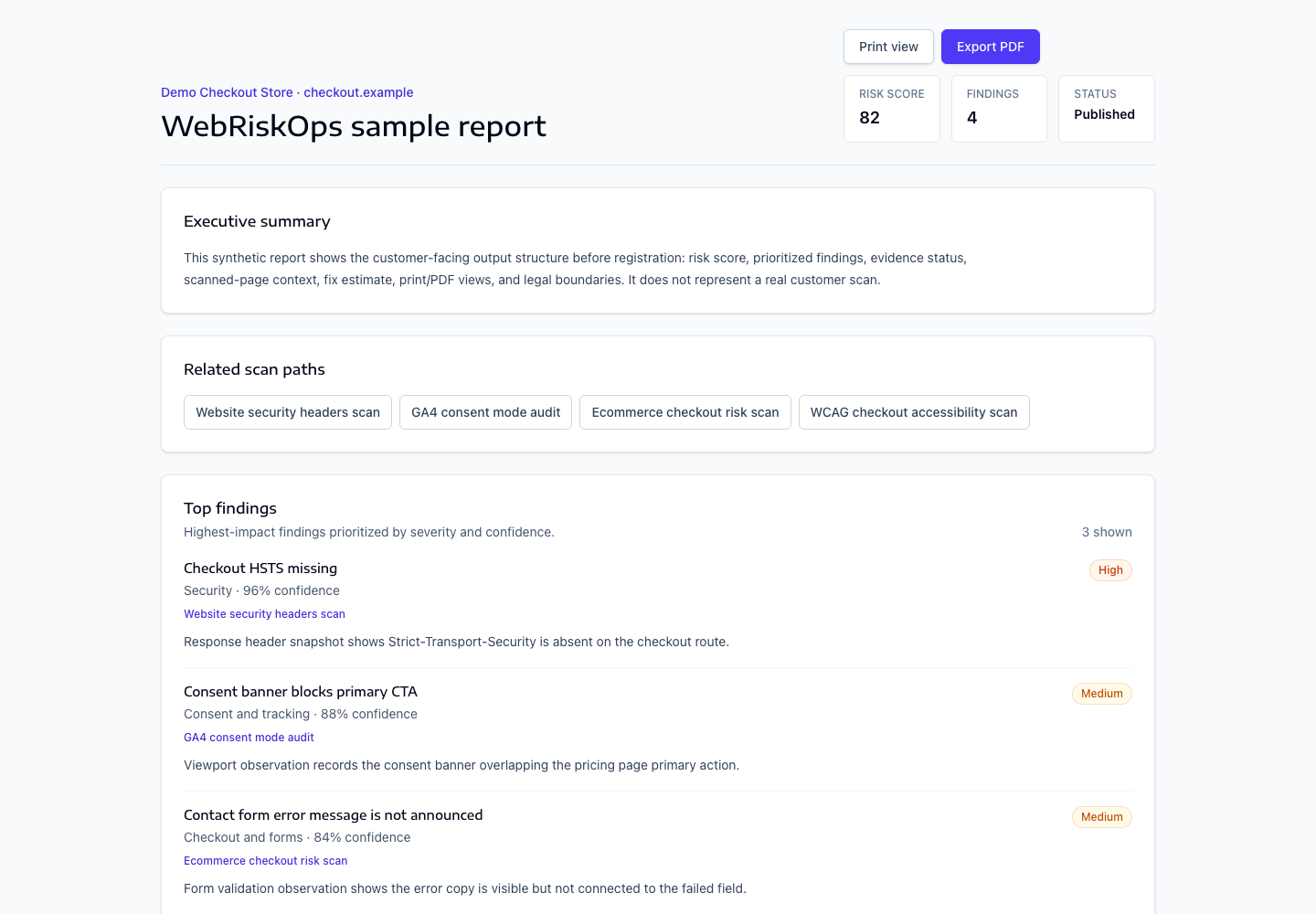
- Fix tasks
- Ticket-only fallback
- Customer-applied evidence
- Retests and monitoring conversion
- Connected access requirements
- What WebRiskOps does not automatically change
Access and fallback path
Open `/reports/{report}` first. Use connected access only when the product shows a scoped, safe, customer-approved mode. Use `/reports/{report}/ticket-exports` when access is missing, expired, too broad, unsupported or unsafe.
- Credits and report evidence gate the workflow.
- Customer approval gates connected changes.
- Retest evidence gates fixed or resolved status.
What to open next
- Use [Fix tasks](/docs/remediation/fix-tasks) to convert eligible findings.
- Use [Ticket-only fallback](/docs/remediation/ticket-only-fallback) when connected access is not safe.
- Use [Connected access requirements](/docs/remediation/connected-access-requirements) before requesting any provider access.
Was this page helpful?
Feedback goes into the product documentation review queue.